Getting IFRS 17 reporting right takes more than knowing the standard inside and out. It takes knowing how to integrate data for IFRS 17 so the right financial data reaches the right calculation engine at the right time, in a format everyone can trust. For many insurers, solving IFRS 17 data integration challenges turns out to be the hardest part of the whole compliance journey.
Here's the thing: actuarial models calculate the numbers, finance teams close the books, and insurance reporting systems package the final disclosures. But when the systems behind these teams don't talk to each other cleanly, every quarter becomes a scramble of spreadsheets, manual checks, and last-minute reconciliations. That's exactly where strong IFRS 17 data management — and a real plan to integrate actuarial and finance data — becomes essential. Insurers who get this right gain a lasting advantage over those still patching things together manually.
This guide breaks down how IFRS 17 data integration works, which data sources are involved, the most common reporting challenges, and what to look for in a technology solution that makes insurance data integration for IFRS 17 genuinely easier.
What Is IFRS 17 Data Integration?
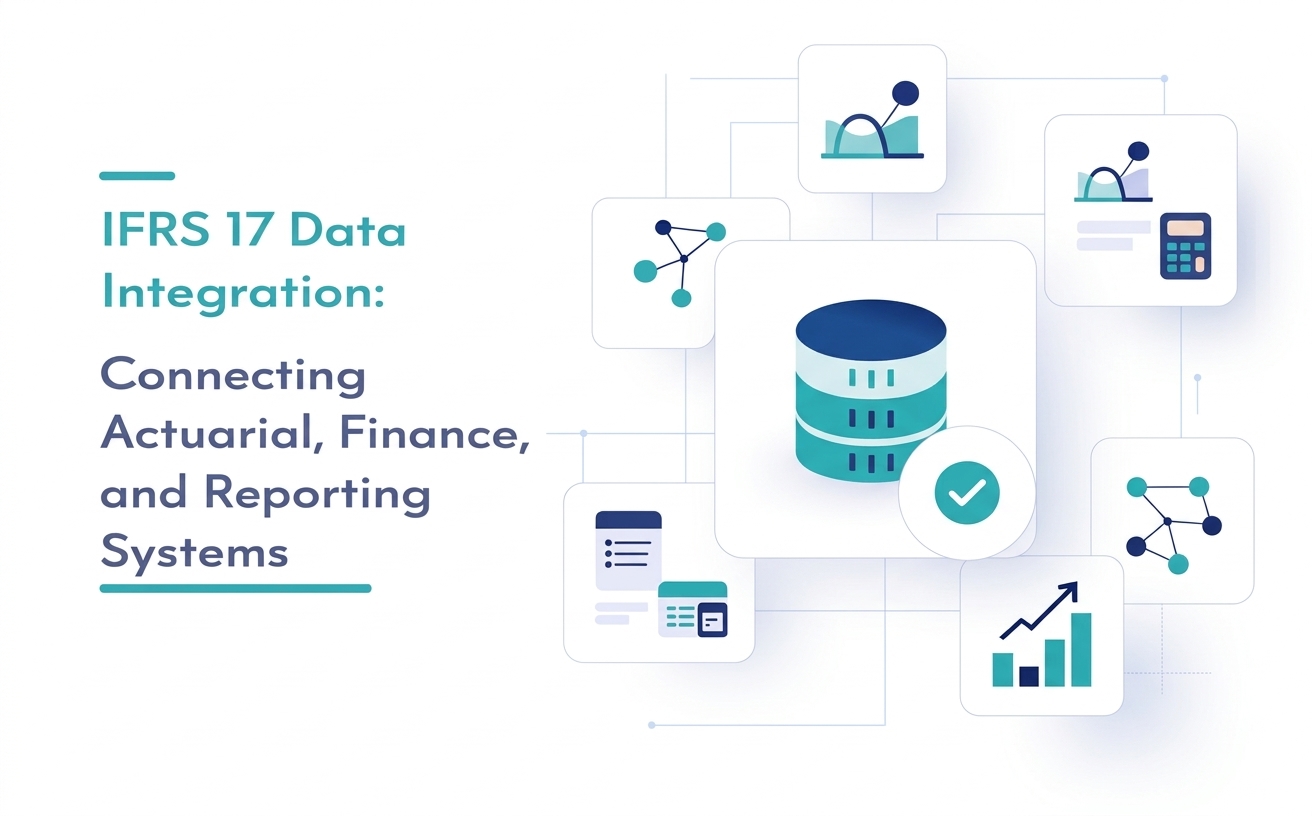
IFRS 17 data integration is the practice of connecting the systems that generate, store, and process insurance data so information flows smoothly into IFRS 17 actuarial calculations and financial reporting. It's a specialized form of insurance data integration built around the specific demands of IFRS 17: granular data, full traceability, and consistent definitions across every source system.
At its core, this means achieving IFRS 17 system integration between policy administration platforms, actuarial systems, the general ledger, and insurance reporting software. Once these systems are properly connected, data moves automatically and consistently through ingestion — instead of being copied, reformatted, and re-checked by hand at every stage. (For a broader look at managing the full process from data to disclosures, see our guide on IFRS 17 Software and the complete reporting lifecycle.)
What Data Sources Need to Be Integrated for IFRS 17?
IFRS 17 reporting draws from several distinct systems, each holding a different piece of the puzzle. Connecting them forms the foundation of any successful IFRS 17 data management strategy.
- Policy administration system: The source of policy-level data, including premiums, coverage terms, and contract boundaries.
- Actuarial systems: Where actuarial models calculate the Contractual Service Margin (CSM), risk adjustment, and cash flow projections under GMM, PAA, or VFA.
- Insurance finance systems and general ledger: Where actuarial outputs meet finance data to produce journal entries and financial statements.
- Claims data systems: A critical input for the liability for incurred claims and loss development patterns.
- Reinsurance data systems: Needed to calculate reinsurance held balances and ensure alignment with underlying gross contracts.
- Investment data systems: Relevant for insurers using the variable fee approach, where investment performance directly affects the CSM.
Each of these source systems speaks its own "language" — different formats, different granularity, different update cycles. IFRS 17 data integration software exists to translate between them accurately, without losing precision along the way.
What Are the Most Common IFRS 17 Data Integration Challenges?
Even experienced insurers run into recurring problems when connecting actuarial and finance workflows. Recognizing these challenges early makes it far easier to plan around them. (We've covered several of these in more depth in 5 Common IFRS 17 Challenges — And How to Overcome Them.)
Fragmented, Siloed Systems
Many insurers still operate with data silos — policy, claims, and finance systems that were never designed to communicate with one another. This fragmentation is often the single biggest obstacle to clean IFRS 17 reporting data.
Manual Excel Processes
Spreadsheets are flexible, but they don't scale. Manual IFRS 17 processes introduce version control issues, formula errors, and a heavy reliance on institutional knowledge that's difficult to audit.
Data Quality Issues
Incomplete records, inconsistent coding, and outdated policy information all contribute to data errors that ripple through actuarial models and financial statements alike. Insurers frequently ask how to improve IFRS 17 data quality when faced with these legacy bottlenecks.
Reconciliation Problems
When actuarial outputs don't tie back cleanly to the general ledger, teams lose valuable time on reconciliation instead of analysis. Without automated data reconciliation, actuarial-finance reconciliation becomes a major roadblock.
Inconsistent Data Formats
Different systems structure dates, currencies, and identifiers differently. Without proper data mapping and transformation, these inconsistencies create system integration challenges that are hard to trace.
Lack of Traceability
IFRS 17 requires a clear audit trail from source data to final disclosure. Without centralized data and proper data lineage, tracing a single number back to its origin can take days instead of minutes.
How Does IFRS 17 Data Integration Support Reporting?
Strong data integration directly supports every stage of the reporting process:
- PAA, GMM, and VFA calculations: Clean, complete data flowing into actuarial models supports accurate measurement under all three approaches. (See our deep dive on IFRS 17 PAA Calculations for how insurance software reduces manual work here.)
- CSM and risk adjustment: Integrated data ensures CSM and risk adjustment calculations reflect the most current, validated inputs. Curious how this works in practice? Our guide on IFRS 17 CSM: How to Calculate, Track, and Automate It breaks it down step by step.
- Reconciliation: Automated reconciliation between actuarial and finance systems reduces the manual checking that consumes so much time each close.
- Financial statements: Consistent, traceable data feeds directly into IFRS 17 financial statements, reducing last-minute adjustments.
- Disclosures: Detailed, well-governed data supports disclosure automation and granular reporting requirements without extra manual effort — something we explore further in IFRS 17 Disclosure Automation: Simplify Reporting, Improve Accuracy.
What Key Features Should You Look for in IFRS 17 Data Integration Software?
Choosing the right software depends on your existing systems and reporting complexity, but a few features matter for nearly every insurer:
- Flexible data ingestion from policy, claims, actuarial, and finance systems, including API integration with legacy platforms.
- Automated data mapping and validation to catch errors before they reach the general ledger.
- Built-in reconciliation tools that compare actuarial and finance outputs automatically.
- Full audit trail and data lineage so every number can be traced back to its source.
- Data governance controls, including version control and access permissions.
- Scalability to handle growing volumes of policy and claims data without slowing down close cycles.
Choose a platform with strong reconciliation and audit trail features if your teams currently spend significant time manually verifying numbers. Choose one with flexible API integration if your insurer runs multiple legacy systems that need to connect without a full replacement. For a more complete breakdown of evaluation criteria, check out How to Choose the Right IFRS 17 Software for Your Insurance Firm.
How Can Automation Improve IFRS 17 Data Management?
Automation removes the repetitive, error-prone steps that slow down reporting cycles. Automated calculations reduce the risk of manual formula errors. Automated reconciliation flags mismatches between actuarial and finance data immediately. Workflow and financial reporting automation free up actuarial and finance staff to focus on analysis rather than data wrangling.
According to the IFRS Foundation, IFRS 17 was designed to bring greater transparency and comparability to insurance contract accounting — a goal that's far easier to achieve with strong reporting automation behind it.
What Are the Best Practices for IFRS 17 Data Management?
- Establish clear data governance early, with defined ownership for every data source.
- Standardize data definitions across actuarial, finance, and claims systems before integration begins.
- Automate data reconciliation wherever possible rather than relying on periodic manual checks.
- Maintain a full audit trail so every figure in your financial reporting can be traced back to its source system.
- Test integration workflows regularly, especially after system updates or changes to policy administration platforms.
- Involve actuarial and finance teams together in system design to ensure seamless reporting integration.
These same principles apply even for insurers with more specialized reporting needs — including Takaful operators navigating IFRS 17 alongside Shariah compliance requirements. If that applies to your organization, our roadmap on Implementing IFRS 17 for Takaful is worth a read.
How Does iBOS Help Insurers Connect Data to Reporting?
iBOS is built to make IFRS 17 data integration simple for insurers juggling multiple source systems. iBOS connects policy administration, actuarial, finance, and claims data into one centralized, auditable reporting workflow — so your teams spend less time reconciling spreadsheets and more time reviewing results with confidence.
With built-in data validation, automated reconciliation, and a clear audit trail from source to disclosure, iBOS gives actuarial and finance teams a shared, trustworthy foundation. It's an IFRS 17 reporting platform designed for insurers who want accuracy without the manual overhead.
Frequently Asked Questions
What is the difference between IFRS 17 data integration software and IFRS 17 reporting software?
IFRS 17 data integration connects source systems — policy, actuarial, finance, and claims — so data flows accurately between them. IFRS 17 reporting software then uses that integrated data to generate financial statements and disclosures. Most modern platforms, including iBOS, combine both functions.
How long does IFRS 17 system integration typically take?
Timelines vary based on the number of source systems and their complexity, but most insurers should plan for a phased rollout rather than a single, all-at-once switch. Starting with high-volume data sources, like policy administration and claims, delivers the fastest improvement.
What causes most IFRS 17 data quality issues?
Inconsistent data formats between systems, incomplete policy records, and manual data entry are the most common sources of IFRS 17 data errors. Automated validation at the point of ingestion catches most of these issues before they ever reach actuarial models.
Can smaller insurers benefit from IFRS 17 data automation?
Yes. While larger insurers deal with more source systems, smaller insurance companies often see even bigger relative benefits, since leaner teams have less capacity to manage manual reconciliation.
Is IFRS 17 data integration a one-time project or an ongoing process?
It's ongoing. New products, system upgrades, and regulatory updates all require adjustments to your IFRS 17 technology setup — which is why strong data governance matters just as much as the initial implementation.
Connect actuarial, finance, and reporting systems without the late nights.
Connecting actuarial, finance, and reporting systems doesn't have to mean more spreadsheets and late nights before close. With the right automation software in place, your teams get accurate numbers, clear audit trails, and reporting cycles that actually run on schedule.
Request a demo of iBOS's IFRS 17 solutions today and see how straightforward connecting your reporting process can be.
Explore IFRS 17 Solution →